Keyless
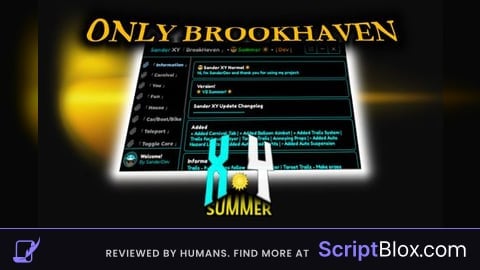
Brookhaven script
 aldenrombanagplays 1 year ago 28K views 1
Run it
Copy the script and paste it into your executor.
Brookhaven script.lua · 11 lines
--[[
	WARNING: Heads up! This script has not been verified by ScriptBlox. Use at your own risk!
]]
local Library = loadstring(game:HttpGet("https://raw.githubusercontent.com/xHeptc/Kavo-UI-Library/main/source.lua"))()
local Window = Library.CreateLib("shadow", "DarkTheme")
local Tab = Window:NewTab("for you")
local Section = Tab:NewSection("Script")
Section:NewButton("click me", "buttoninfo", function()
loadstring(game:HttpGet("https://raw.githubusercontent.com/v0c0n1337/scripts/refs/heads/main/Brookhaven%20gui.lua"))()
    print("Clicked")
end)
Loads code from the internet. It downloads more code when it runs (loadstring + HttpGet), which can change after it was posted. From: raw.githubusercontent.com.
About this script
Support Brookhaven Info: if it's not working comment it and I'll make a new script