Keyless
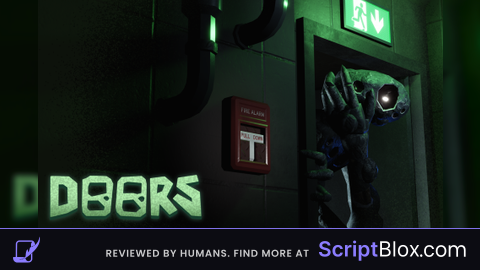
Summon En*ies
 ChronoAccelerator 4 years ago 13K views
Run it
Copy the script and paste it into your executor.
Summon Enies.lua · 29 lines
local Library = loadstring(game:HttpGet("https://raw.githubusercontent.com/xHeptc/Kavo-UI-Library/main/source.lua"))()

local Window = Library.CreateLib("Entities Spawner", "Synapse")

local Tab = Window:NewTab("Spawn")
local Section = Tab:NewSection("Entities")


Section:NewLabel("Click to spawn, keybinds are coming soon.")


Section:NewButton("Summon Halt", "Summon the blue blanket", function()
    require(game.ReplicatedStorage.ClientModules.EntityModules.Shade).stuff(require(game.Players.LocalPlayer.PlayerGui.MainUI.Initiator.Main_Game),
workspace.CurrentRooms[game.Players.LocalPlayer:GetAttribute("CurrentRoom")])
end)


Section:NewButton("Summon Screech", "Summon the blob of slime", ()
    (.StarterGui.MainUI.Initiator.Main_Game.RemoteListener.Modules.Screech)((.Players.LocalPlayer.PlayerGui.MainUI.Initiator.Main_Game),
.CurrentRooms[.Players.LocalPlayer:()])
)


Section:(, , ()
    (.ReplicatedStorage.ClientModules.EntityModules.Glitch).((.Players.LocalPlayer.PlayerGui.MainUI.Initiator.Main_Game),
.CurrentRooms[.Players.LocalPlayer:()])
)
Loads code from the internet. It downloads more code when it runs (loadstring + HttpGet), which can change after it was posted. From: raw.githubusercontent.com.
About this script
Spawn Glitch, Screech and Halt. Feel free to take this and add it into your own GUI