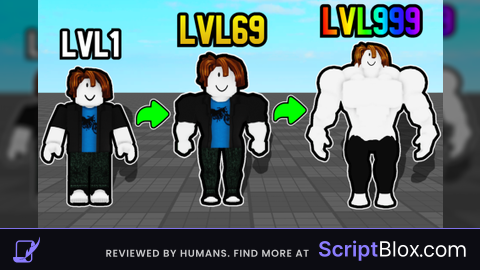
Keyless
Dinas Hub
 dinas 1 year ago 4.6K views
Run it
Copy the script and paste it into your executor.
Dinas Hub.lua · 70 lines
local Lib = loadstring(game:HttpGet("https://raw.githubusercontent.com/bloodball/-back-ups-for-libs/main/dirt",true))()
local Table = {}
local window = Lib:CreateWindow("Dinas Hub")
window:Section("Strong Simulator")
window:Button("Auto Click", function()
    local Event = game:GetService("ReplicatedStorage").Common.Library.Network.RemoteFunction

    local clickInterval = 0.01

    while

         success, result = (()
             Event:(, {})
        )

          success


        (clickInterval)

)

 autoRebirthEnabled =

window:(, ()
    autoRebirthEnabled =  autoRebirthEnabled

     autoRebirthEnabled
        .(()
             autoRebirthEnabled
                 args = {
                    ,
                    {}
                }

                 success, result = (()
                     :():():():():():((args))
                )

                  success


                ()

        )()


)

window:(, ()
      ()
         args = {
            ,
            {

            }
        }

         success, result = (()
             :():():():():():((args))
        )

          success


        ()

)Loads code from the internet. It downloads more code when it runs (loadstring + HttpGet), which can change after it was posted. From: raw.githubusercontent.com.
Features
- Auto Lift
- Auto Rebirth
- Auto Buy
- Op script